You're probably in one of two situations right now. Either your store has too many similar products and shoppers don't know where to start, or you've already tested a quiz and realized that not all Shopify quiz apps are built for the same job. Some are better at quick lead capture. Some are built for deep product matching. Some look polished in a demo and turn clunky once you try to wire them into Klaviyo, Shopify tags, or a paid-traffic landing page.
That's why a feature checklist usually isn't enough. In practice, the biggest decision is simpler: what job does the quiz need to do in your store? A gift finder for holiday traffic is different from a skincare routine builder. A popup lead quiz behaves differently from a dedicated landing page. And the app that works for a lean team often isn't the one a larger DTC brand wants once logic, analytics, and migration headaches show up.
The category has matured a lot. One reason is that strong quiz flows tend to stay short, often around 5 to 8 questions, with logic jumps and email capture placed after value is delivered, according to Digioh's Shopify quiz benchmarks. If you're also reworking your broader acquisition stack, it's worth pairing this with other ways to discover AI marketing solutions.
Table of Contents
- 1. VeeForm
- 2. Octane AI for Shopify
- 3. RevenueHunt
- 4. Quiz Kit
- 5. Jebbit
- 6. Visual Quiz Builder
- 7. Prehook
- 8. Lantern
- 9. Tolstoy
- 10. Shop Quiz by PickZen
- Top 10 Shopify Quiz Apps, Feature Comparison
- Performance and Migration
- Final Thoughts
1. VeeForm
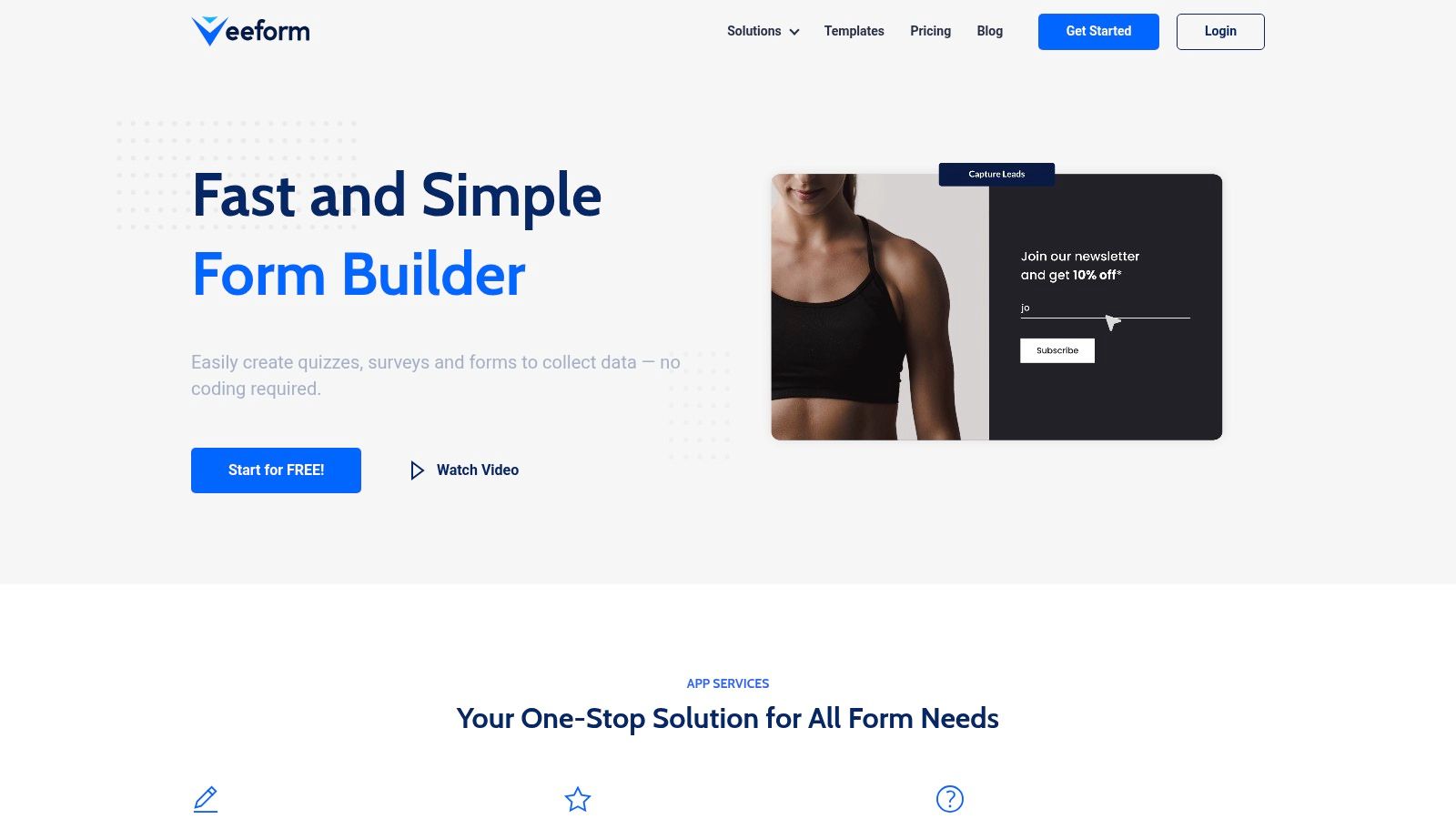
A common Shopify scenario looks like this. The team wants a product finder live this week, not after a month of implementation. They also want the same tool to handle email capture, lead qualification, and a few support workflows without buying three separate apps. VeeForm fits that job well.
It is a no-code builder for quizzes, forms, surveys, product recommendation flows, and support intake. The practical advantage is the one-question-at-a-time format. For stores selling products that need a bit of guidance, that structure usually keeps completion rates healthier than a long form dumped onto one screen.
It also covers a broader job-to-be-done than many quiz-first tools. A merchant can use it for a skincare routine finder, supplement matcher, sizing flow, wholesale inquiry form, or post-purchase support triage without forcing every interaction into the same template. For a closer look at its commerce-specific setup, the VeeForm ecommerce workflows page is the right place to start.
Why VeeForm fits fast-launch commerce teams
VeeForm makes sense when the main job is fast lead gen or a quick-launch product finder that still needs decent logic. You get multiple question types, conditional branching, answer recall, and different end screens. In practice, that is what early-stage and lean commerce teams usually need. Ask relevant questions, route shoppers cleanly, and connect the response to the next step.
Placement flexibility helps too. You can run it embedded on a page, launch it from a button, show it as a popup, trigger it on exit intent, or use a standalone link for paid traffic, email, or customer support flows. That gives teams room to test where the quiz belongs before they spend time refining every branch.
Practical rule: If placement is still an open question, choose the app that lets you test page embed, popup, and standalone flow without rebuilding the experience each time.
Where it works best and where it doesn't
VeeForm works best for stores that want to get a quiz live quickly, collect clean first-party data, and push that data into follow-up tools. The analytics view, CSV export, and CRM or marketing syncs make it usable after launch. A quiz that does not feed email, SMS, or sales follow-up becomes a novelty widget fast.
The trade-off is depth and transparency. Public pricing detail is limited, and some integration specifics still need hands-on review before a larger team can scope rollout confidently. Social proof is also thinner than with older Shopify quiz platforms, so risk-sensitive buyers may want a trial period before committing.
For merchants testing whether guided selling will move conversion rate, average order value, or lead quality, VeeForm is a sensible place to start. It handles several commerce jobs with one tool, and that matters if you want to validate the channel before investing in a heavier personalization platform.
- Best for: Fast product quizzes, lead qualification, and multi-use interactive forms
- Works well when: Your team wants no-code setup, flexible placement, and one tool for several funnel jobs
- Watch for: Plan-level detail and integration depth may require direct testing before rollout
2. Octane AI for Shopify
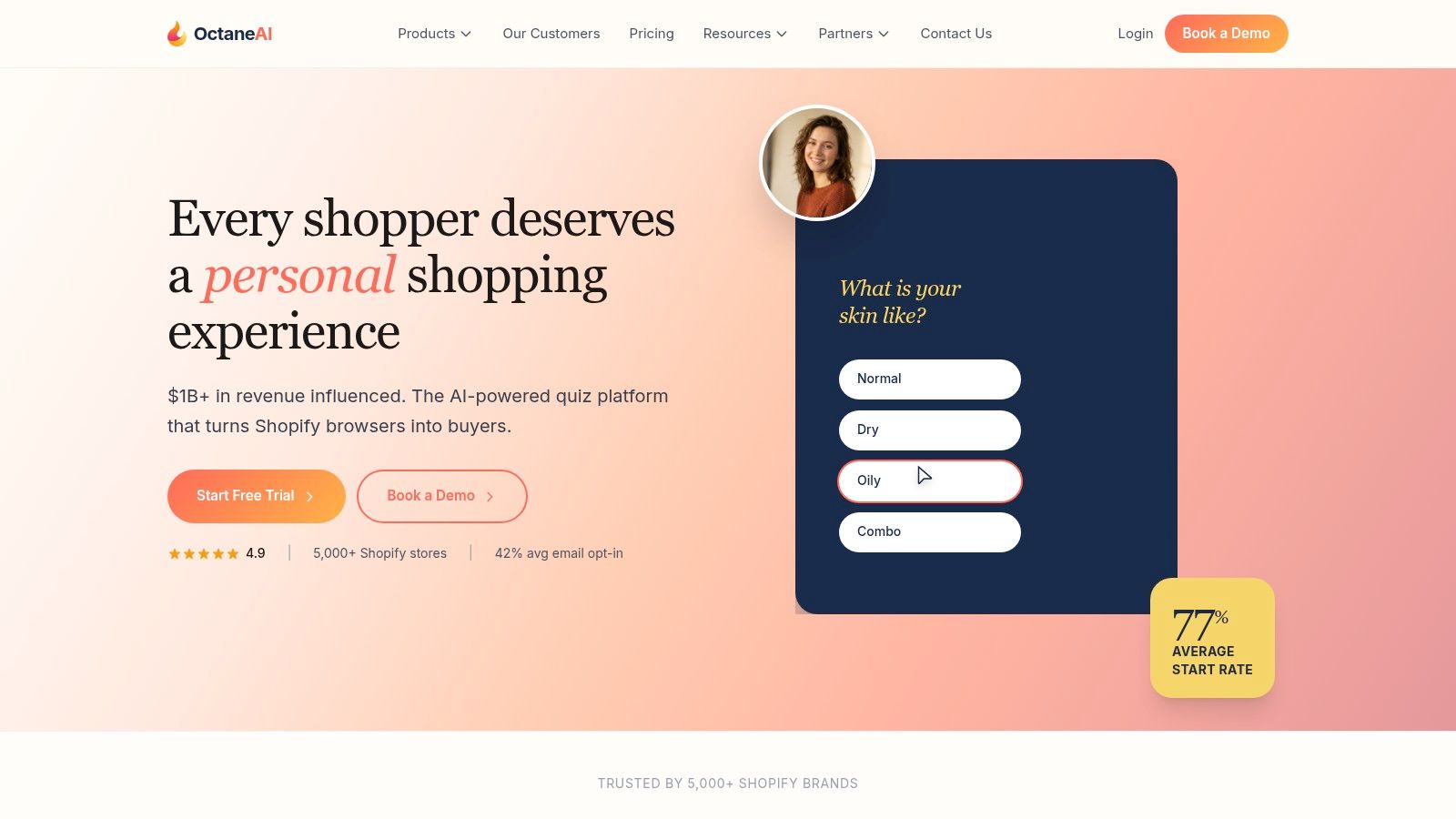
Octane AI is the app I'd shortlist when the quiz isn't a side widget. It's a core selling surface. That usually means a dedicated landing page, paid traffic, a product-heavy catalog, and a team that already knows how it wants to use zero-party data in Klaviyo or Attentive.
Its strength is depth. Product recommendations connect tightly to Shopify catalog data, and the platform has a long track record with larger DTC brands. If your lifecycle team wants quiz responses flowing straight into segmented email and SMS follow-up, Octane is built for that kind of stack.
Best job-to-be-done
Use Octane AI when the job is deep personalization at scale. This is especially useful for stores where product selection depends on routine, preference, fit, or nuanced product matching rather than a simple category filter.
The trade-off is cost discipline. Tools in this tier often make sense only when your traffic volume and follow-up engine justify them. If you're still testing whether shoppers even want a quiz, Octane can be more platform than you need.
A mature quiz app should feel like part of your merchandising system, not a bolt-on popup. Octane is closer to that end of the spectrum.
Website: Octane AI
3. RevenueHunt
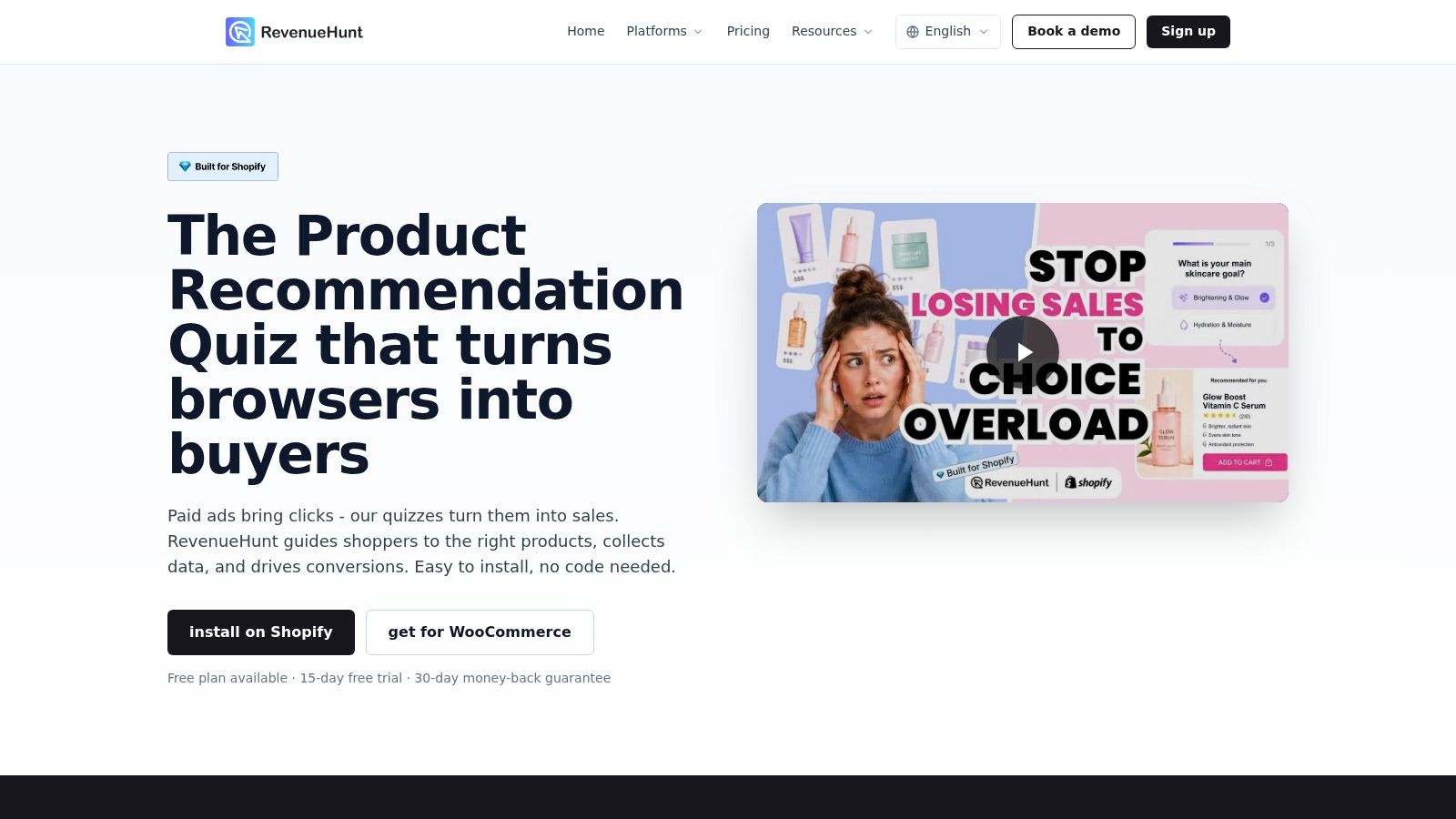
RevenueHunt is one of the easier tools to recommend when your main goal is straightforward product recommendation. It does the core job well: drag-and-drop building, conditional logic, branded results pages, multiple deployment options, and integrations that cover the usual performance stack.
I like it for merchants who want a Shopify-native setup without turning the quiz into a full custom project. It works as an embed, popup, or shared link, and it's usable for standard product-finder flows where clarity beats complexity.
Best job-to-be-done
RevenueHunt fits guided selling for medium-to-large catalogs. If shoppers are browsing too many similar SKUs and need help narrowing down choices, this app gets there without a long build cycle.
Its main limitation is recommendation shape. It's strongest when mapping answers to individual products. If your merchandising logic works better at the collection or category level, you may need workarounds.
- Best for: Product finders and guided selling
- Works well when: You need a branded recommendation flow fast
- Watch for: More advanced recommendation structures may take extra setup
Website: RevenueHunt
4. Quiz Kit
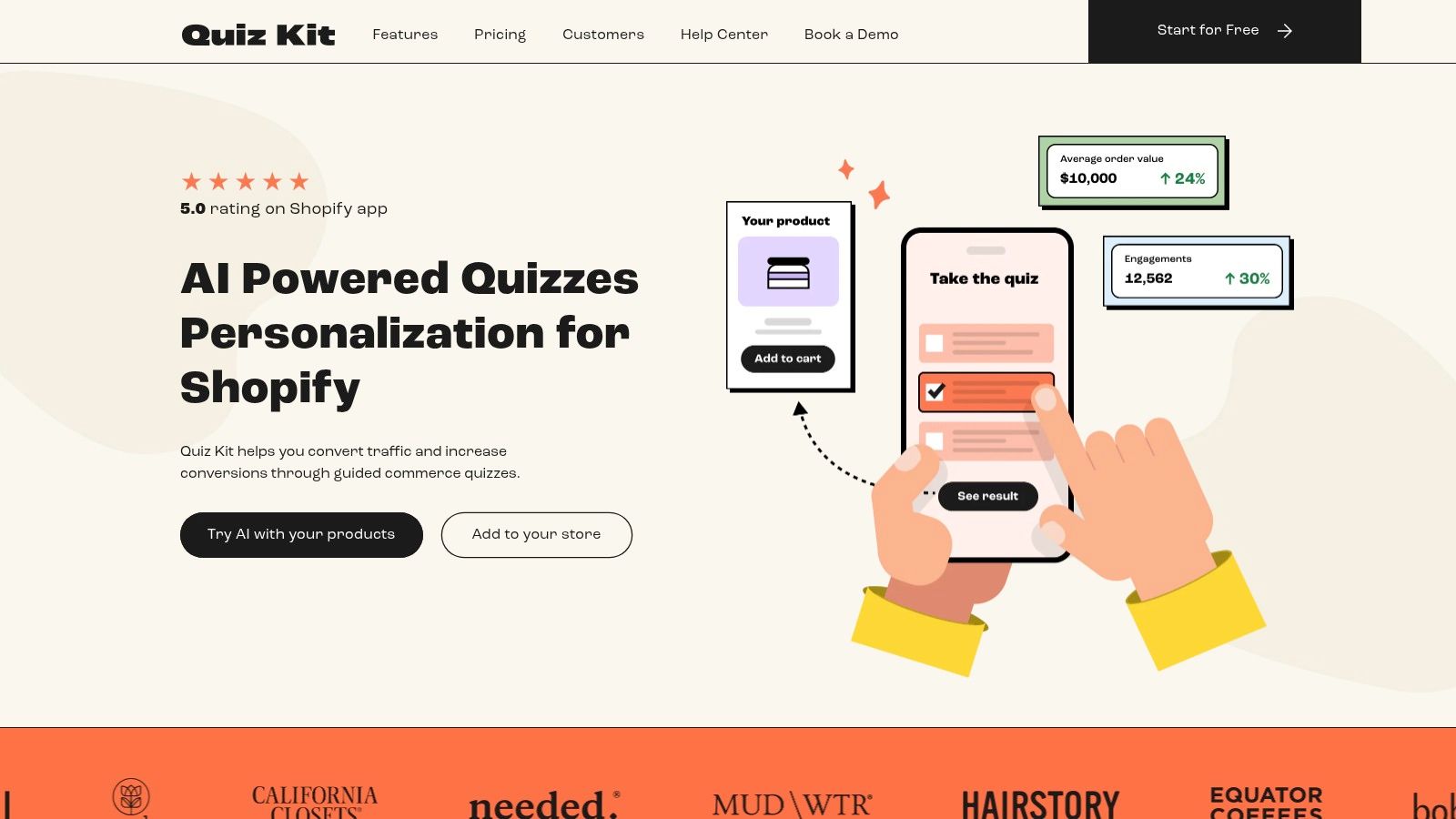
Quiz Kit feels like it was built for teams that care a lot about the result page, and that's a bigger deal than many merchants expect. Plenty of Shopify quiz apps can ask questions. Fewer make it easy to control how the recommendation looks once the shopper finishes.
That matters when the result is supposed to sell, not just inform. Quiz Kit's customizable results templates give marketers more direct control over the on-brand shoppable experience without forcing every change through development.
Best job-to-be-done
Choose Quiz Kit when the job is design-led product discovery. It's a good fit for beauty, skincare, apparel, and other DTC brands where the quiz result needs to feel like a polished merchandising surface, not a generic answer screen.
The trade-off is complexity around plan fit and usage tiers. Teams that want exact budget predictability should confirm pricing details early, especially if they expect the quiz to become a high-traffic acquisition asset.
Website: Quiz Kit
5. Jebbit
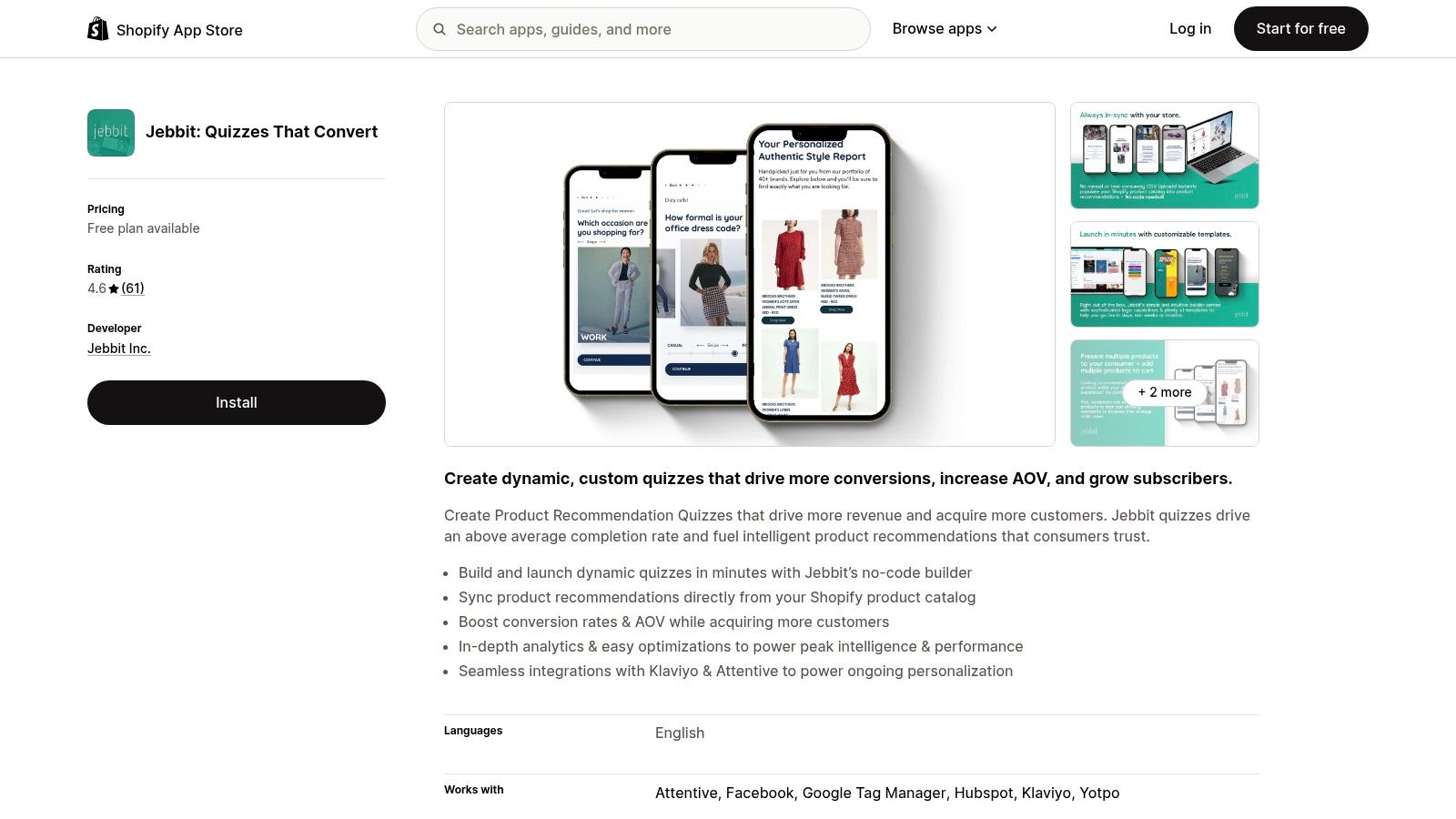
Jebbit is what I'd look at when a standard product finder isn't enough. Some brands need richer interactive experiences, not just a few questions and a product card. Jebbit is stronger when the quiz is part of a broader interactive campaign mix and when the data needs to feed multiple downstream systems.
Its Shopify sync for recommendations is useful, but the bigger draw is the ecosystem around it. Integrations with tools like Klaviyo, Attentive, HubSpot, and Marketo make it a better fit for brands running more advanced lifecycle or CRM operations. If your immediate need is much simpler, even a lead capture form template can sometimes cover the first stage before you invest in a bigger interactive stack.
Best job-to-be-done
Pick Jebbit when the job is interactive lead capture plus deeper data collection across channels. It's well suited to teams that want more than one quiz format and expect the experience to evolve.
The downside is usability. Jebbit is capable, but not always the fastest tool to master. Smaller Shopify teams can end up underusing it if nobody owns the experience design.
Website: Jebbit on Shopify
6. Visual Quiz Builder
Visual Quiz Builder is one of the better fits for brands that want personalized recommendations and strong visual control in the same tool. Beauty and fashion teams usually care about both. The recommendation has to be relevant, but the quiz also needs to look native to the brand.
The app supports multiple question types, logic jumps, AI-assisted tagging and mapping, and several publishing options. That flexibility is useful when you're testing whether the quiz belongs as a landing page, an embedded content asset, or a popup triggered from collection browsing.
Best job-to-be-done
VQB works best for on-brand personalization. If your products depend on shade, routine, style, or preference, it gives you enough structure to build recommendation logic without flattening the experience into something generic.
A/B testing is a plus here because creative teams often debate design and copy more than they debate logic. If you want to prototype ideas quickly before hand-building anything, an AI form generator can help frame the first version of your flow. For a broader look at conversational product discovery, this guide to an AI assistant for Shopify stores is also useful.
- Best for: Brand-led personalization in beauty, apparel, and routine-based shopping
- Works well when: You need both recommendation logic and visual control
- Watch for: Advanced setups can take longer than simpler quiz builders
Website: Visual Quiz Builder
7. Prehook
Prehook is a good operator's tool. It isn't the flashiest option in this list, but it has a clear point of view: use quizzes to collect zero-party data, grow owned audiences, and personalize messaging without dragging out implementation.
That focus shows up in the onboarding and deployment style. Teams that want support, funnel guidance, and a practical Shopify launch path usually get more value from Prehook than teams that just want to tinker with design.
Best job-to-be-done
Use Prehook when the main job is list growth with meaningful segmentation. It's especially useful if email and SMS teams already know how they'll use quiz answers after capture.
Its downside is familiar for quiz platforms in this segment. Once engagement grows, smaller shops can feel the pressure of higher-tier plans. For stores with modest traffic and simpler needs, that can be more app than necessary.
If your retention team is stronger than your design team, Prehook often makes more sense than a visually heavier platform.
Website: Prehook
8. Lantern
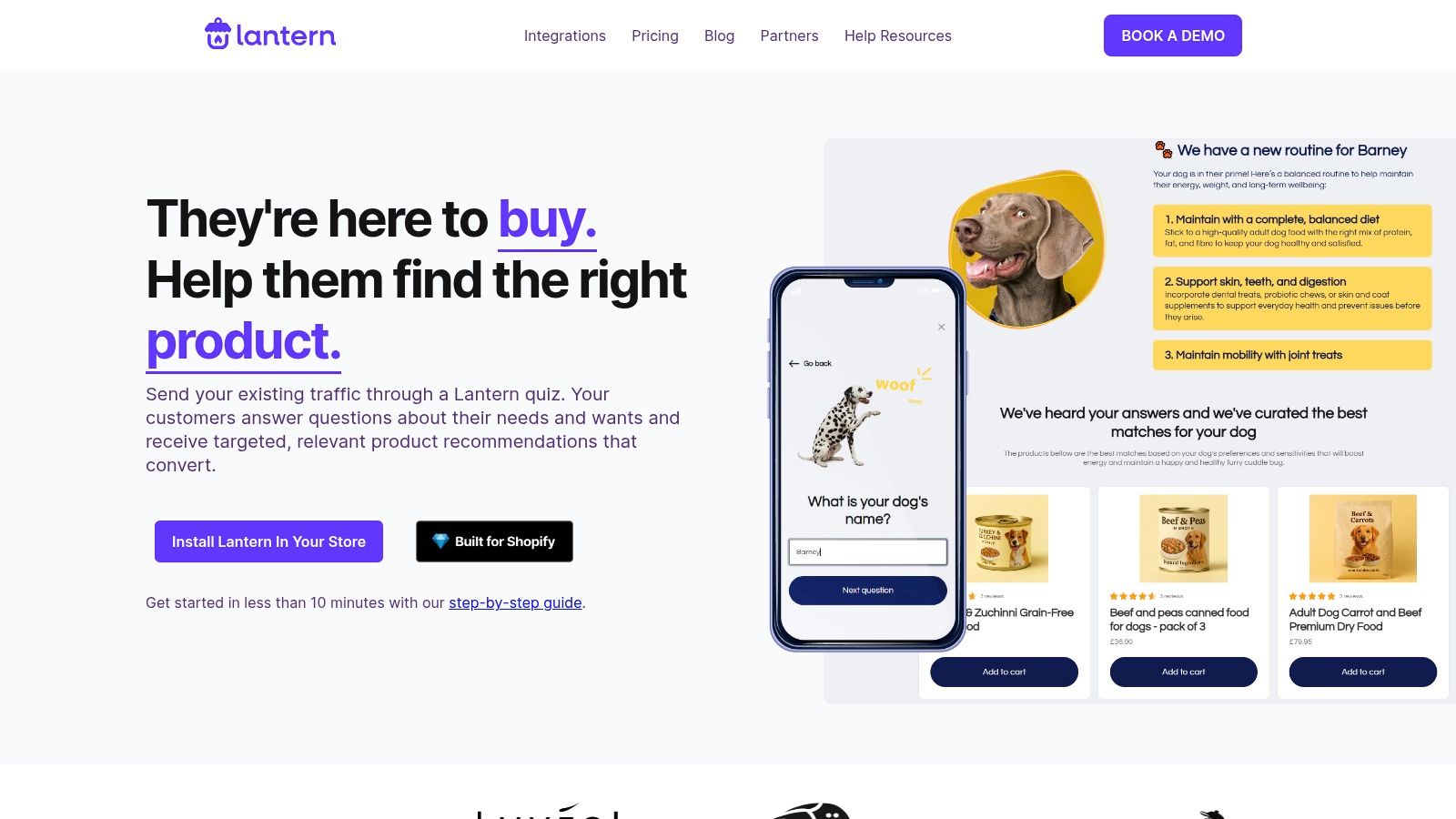
Lantern is built for speed. That's the main reason to use it. If you want to get a quiz live quickly, test a few placements, and iterate with A/B testing, Lantern is an efficient option.
It also aligns with how modern Shopify stacks operate. Reviews, subscriptions, analytics, loyalty, and email tools all need to talk to each other, and Lantern leans into that with a broad integration footprint.
Best job-to-be-done
Lantern is best for fast experimentation. I'd consider it for stores that want to validate quiz demand quickly without committing to a long implementation cycle.
The main caution is pricing clarity. When plans depend on engagement and specific needs, forecasting gets harder. That's manageable for established brands, but newer merchants should confirm where the app becomes expensive before they scale traffic into it.
Website: Lantern
9. Tolstoy
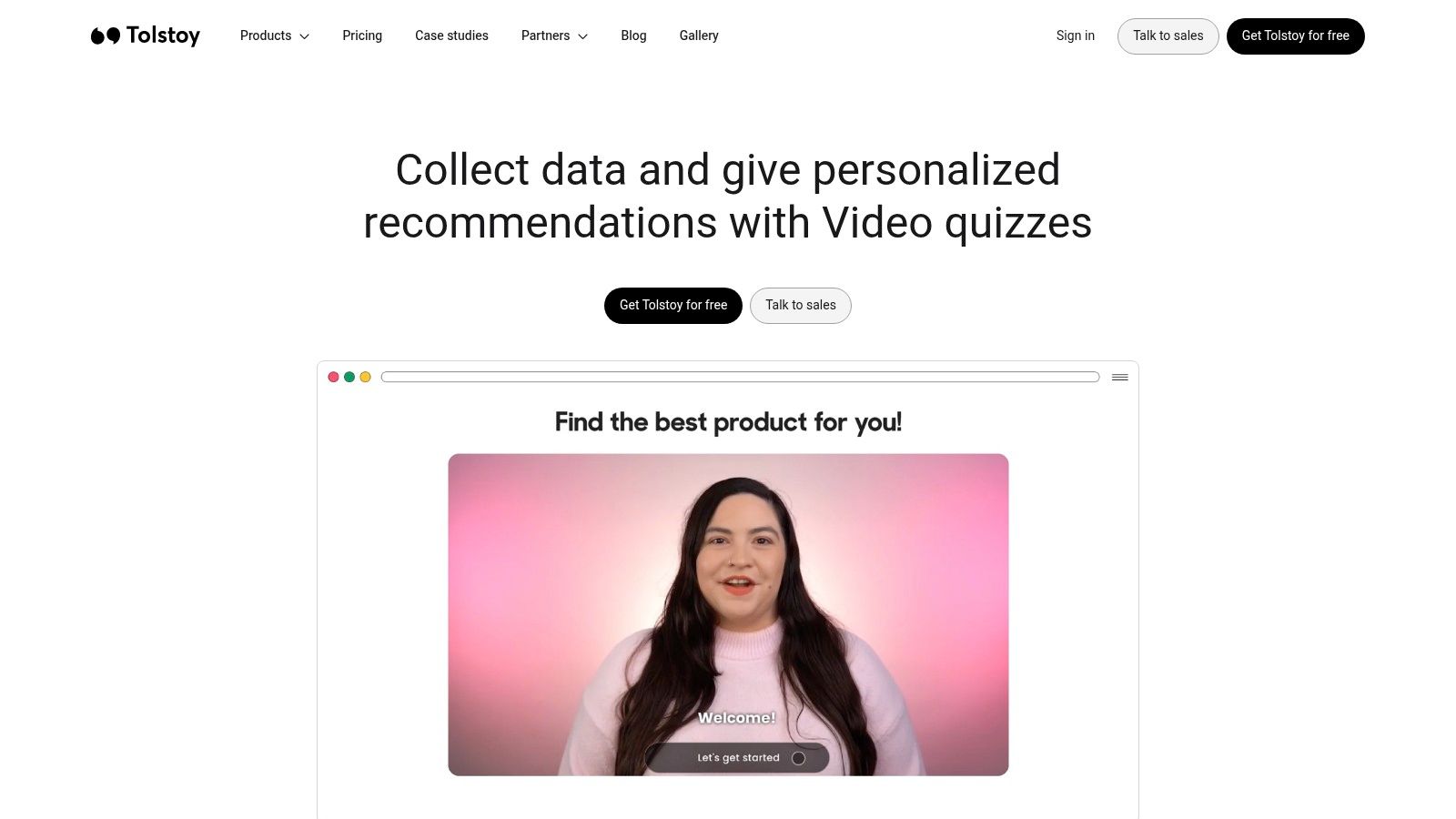
Tolstoy is the outlier in this list because the job isn't just recommendation. It's engagement through video. For some categories, that matters a lot. A founder-led brand, a product with more education involved, or a routine-based purchase can benefit from a branching video quiz where the shopper feels guided by a person rather than a form.
That difference can make the experience more persuasive, but it also changes production demands. You're not just building logic. You're scripting, filming, editing, and maintaining creative assets.
Best job-to-be-done
Tolstoy is best when product education and emotional engagement are part of conversion. It suits brands that already produce strong video content or are comfortable building a repeatable creative workflow.
The app's shoppable video and journey tracking make it more than a gimmick. But if your team can't sustain fresh video assets, a simpler quiz tool will usually be easier to maintain.
Video quizzes can outperform static experiences for the right brand, but only if the creative quality holds up after launch.
Website: Tolstoy video quiz
10. Shop Quiz by PickZen
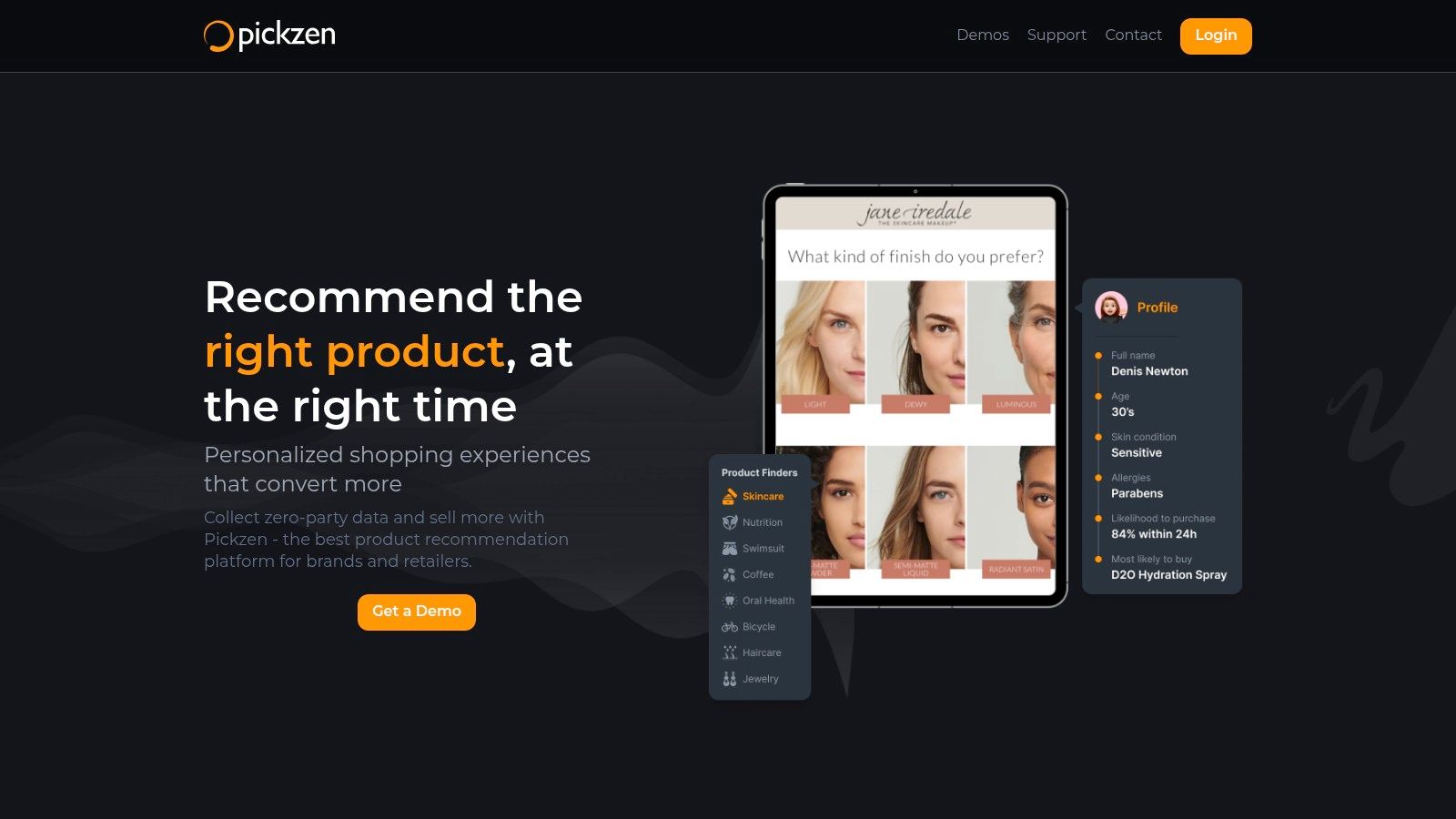
PickZen's Shop Quiz is a practical fit for merchants who want catalog-connected recommendations without a lot of friction. It syncs with Shopify, supports common CRM and ESP integrations, and is built around the standard product-recommendation use case most stores care about first.
I'd put it in the “safe operational choice” bucket. It doesn't try to reinvent the quiz. It focuses on making recommendation flows usable, connected, and easy to deploy.
Best job-to-be-done
Use PickZen when you need a stable recommendation workflow with standard integrations and multilingual support. That's especially helpful for stores that want one quiz process working across multiple market contexts without a highly custom build.
The trade-off is that pricing and plan limits need confirmation. As with several apps here, it's wise to map expected usage before committing if the quiz will sit on high-traffic pages.
Website: PickZen
Top 10 Shopify Quiz Apps, Feature Comparison
| Product | Core features | UX & Quality (★) | Pricing / Value (💰) | Target audience (👥) | Unique selling points (✨) |
|---|---|---|---|---|---|
| VeeForm 🏆 | No‑code builder, one‑question‑at‑a‑time, 15 Q types, conditional logic, analytics | ★★★★☆, conversion‑focused, polished templates | 💰 Free‑forever + 7‑day trial; easy to test | 👥 Shopify merchants, growth & marketing teams | ✨ Answer‑recall, 3 ending types, flexible embeds/popups, CSV & CRM sync |
| Octane AI, Shop Quiz | AI product recommendations, Shopify catalog sync, Klaviyo/Attentive integrations, analytics | ★★★★★, enterprise‑grade, proven by brands | 💰 Engagement‑priced; enterprise tiers | 👥 Mid‑market & enterprise DTC brands | ✨ AI‑driven recs, landing‑page quizzes, deep ESP integrations |
| RevenueHunt, Product Recommendation Quiz | Drag‑drop builder, conditional logic, branded results, Shopify/WooCommerce/headless | ★★★★☆, fast launch, clear docs | 💰 Tiered; response limits on plans | 👥 Merchants wanting quick product quizzes | ✨ Branded results pages, headless readiness, multiple deployment options |
| Quiz Kit, Shoppable Quizzes by Presidio | Customizable results templates, AI‑assist setup, Shopify native data flow | ★★★★, marketer‑friendly control | 💰 Engagement tiers; sales contact for exact pricing | 👥 Brands seeking on‑brand shoppable results without heavy dev | ✨ Editable result templates out‑of‑box, agency backing |
| Jebbit, Quizzes That Convert | Drag‑and‑drop, Shopify product sync, many CRM/ESP integrations, in‑app analytics | ★★★★☆, mature integrations, feature‑rich | 💰 Free + paid tiers via Shopify App Store | 👥 Brands needing varied interactive experiences | ✨ Multiple experience formats, broad marketing tool plugs |
| Visual Quiz Builder (VQB), AI Product Quiz Builder | Logic jumps, AI product tagging/mapping, A/B testing, template library | ★★★★, strong for beauty/fashion verticals | 💰 Tiered; advanced AI features on higher plans | 👥 Beauty & apparel merchants focused on brandability | ✨ AI tagging/mapping, A/B testing, brandable shoppable results |
| Prehook, Quiz Funnel Builder | No‑code builder, conditional logic, headless embeds, funnel strategy & onboarding | ★★★★, concierge support, conversion‑first | 💰 Pro pricing higher; engagement‑metered | 👥 Shops focused on list growth & funnel optimization | ✨ Concierge onboarding, funnel strategy resources, quick publish |
| Lantern, AI Product Quiz Builder | AI‑assisted quiz generation, A/B testing, 30+ integrations, fast setup | ★★★★, fast setup, positive merchant feedback | 💰 Engagement‑based; consult for custom tiers | 👥 Merchants testing experiments & personalization | ✨ Rapid experiments, wide integration stack, personalized matches |
| Tolstoy, Video Quiz + Shoppable Video | Video‑first branching quizzes, shoppable recommendations, journey analytics | ★★★★, high engagement, creative format | 💰 Variable; added video production costs | 👥 Teams with video capacity (UGC, ads, try‑ons) | ✨ Branching video quizzes, embedded shopping, step‑by‑step tracking |
| Shop Quiz: Product Recommender (PickZen) | One‑click catalog sync, AI recommendations, Klaviyo/HubSpot/Recharge integrations, analytics | ★★★★, mature and reliable | 💰 Tiered; traffic/engagement based | 👥 Merchants needing fast catalog‑linked recs | ✨ Real‑time catalog sync, multi‑language support, common ESP integrations |
Performance and Migration
A quiz app swap usually looks simple in the app store and messy in production. The hard part is preserving recommendation logic, event tracking, and subscriber data while the shopper experience stays stable.
The category itself now spans several distinct deployment models, as outlined in Odicci's 2026 guide to Shopify quiz apps: inline quizzes, popups, button-triggered flows, and standalone pages. Recommendation logic also varies by app. Some tools are built around conditional branching, some around weighted scoring, and some around direct catalog mapping. That difference matters because migration is rarely a copy-and-paste job. A flow built in Octane AI, Prehook, or VeeForm may need to be rebuilt differently in another tool even if the front-end questions look similar.
Start with the job the quiz is doing. Lead capture quizzes can tolerate simpler outcomes. Product finder quizzes usually cannot. If the current app recommends exact SKUs and the new app is better at category-level outcomes, conversion can drop even when the redesign looks cleaner. I've seen teams blame creative or placement when the underlying issue was a weaker recommendation model after migration.
What usually breaks during migration
- Result mapping: Product IDs, tags, collections, and variants often need a manual rebuild.
- Email and SMS flows: Answer data may pass into Klaviyo or Attentive with different field names or formats, which breaks segmentation and automations.
- Tracking consistency: GA4, Meta Pixel, and custom event names often change with the vendor, making before-and-after performance harder to compare.
- Page performance: New embeds can affect theme scripts, popup timing, and mobile rendering if placement is not retested.
Migration is also the right moment to cut complexity. My experience shows that shorter flows with cleaner branching consistently outperform long, over-engineered questionnaires. If the old quiz grew to twelve questions because every stakeholder added one, rebuilding it question for question usually preserves the problem.
Treat migration as two projects. One is technical parity. The other is conversion improvement. Teams that separate those decisions tend to launch faster, keep reporting cleaner, and avoid the common mistake of switching tools only to inherit the same weak funnel in a new interface.
Final Thoughts
The best Shopify quiz apps aren't the ones with the longest feature pages. They're the ones that match the actual job in your store.
If you need fast deployment and broad flexibility, VeeForm stands out because it handles quizzes, forms, lead capture, and product recommendation flows without forcing you into a heavyweight setup. If your store depends on deep personalization tied tightly to lifecycle marketing, Octane AI and Prehook are stronger fits. If your team is design-led, Quiz Kit and Visual Quiz Builder give you more control over how the result sells. If video is central to your brand, Tolstoy is the specialist option worth considering.
The practical decision usually comes down to five questions. Does the app support the kind of recommendation logic you need? Can your team maintain it after launch? Will the data flow into your email, SMS, and CRM stack cleanly? Can it be deployed where shoppers need it, not just where the app looks best in a demo? And if you switch later, will your logic and reporting survive the move?
For most merchants, the biggest win comes from getting the basics right. Keep the quiz focused. Ask only what improves the recommendation. Make the result page easy to act on. Connect answers to follow-up campaigns. Then test placement, not just wording.
That's also why the strongest quiz programs tend to feel less like content and more like guided commerce. They reduce hesitation. They help shoppers choose faster. They give your team better intent data than a standard popup form ever will.
If you're evaluating platforms right now, don't chase the app with the most impressive demo. Choose the one your team can launch, learn from, and improve without turning every quiz update into a mini development project.
If you want a quiz tool that's easy to launch, flexible enough for product finders and lead capture, and practical for real Shopify workflows, VeeForm is a strong place to start. It's especially well suited to stores that want to test quickly, collect cleaner customer data, and build polished one-question-at-a-time experiences without heavy setup.
